Smart home technology has transformed how we manage our living spaces, and cleaning is no exception. Instead of frantically scrubbing your floors on Sunday nights or forgetting to dust for weeks, you can create an automated cleaning schedule that keeps your home spotless without constant mental energy.
The key isn’t just buying a robot vacuum and calling it a day. A truly effective smart home cleaning schedule integrates multiple devices, uses strategic timing, and adapts to your lifestyle patterns. When done right, you’ll barely think about cleaning while maintaining the cleanest home you’ve ever had.
Building Your Smart Cleaning Foundation
Your automated cleaning routine starts with understanding which tasks can be handled by smart devices and which still need your attention. The most successful smart cleaning schedules focus on the 80/20 rule: automate the 80% of routine maintenance tasks so you can focus your energy on the 20% that requires human judgment.
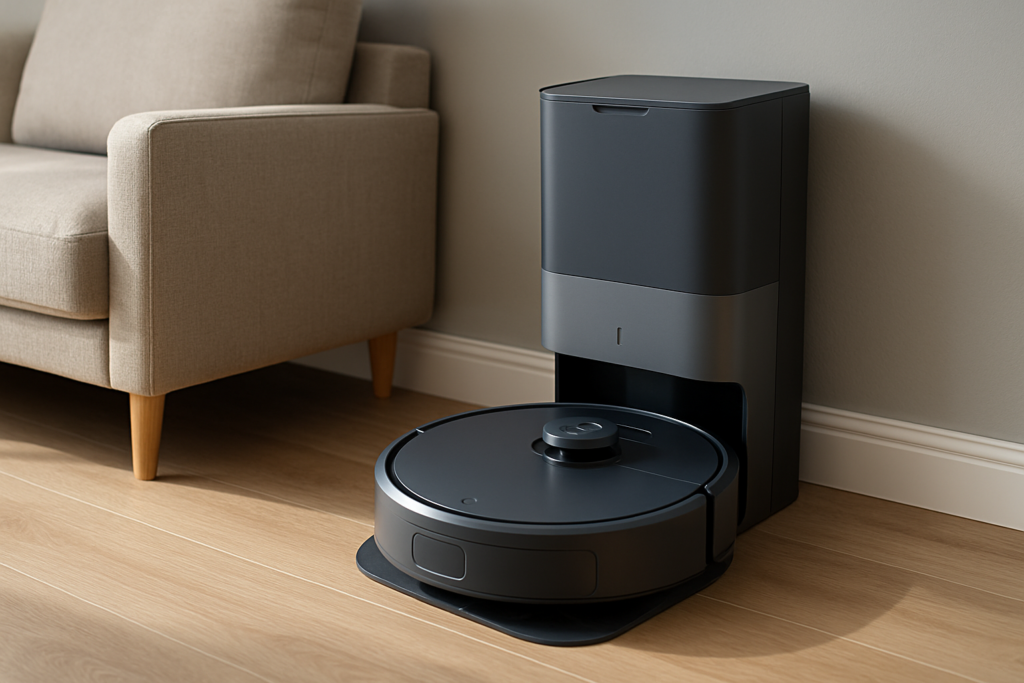
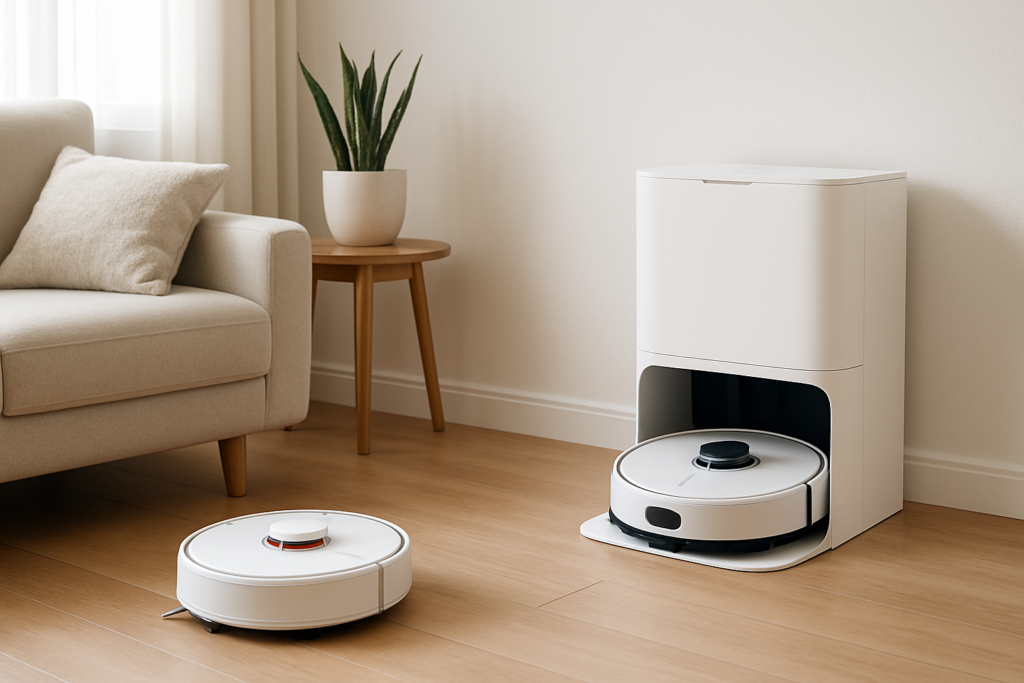
Robot vacuums handle daily floor maintenance across multiple room types. Modern models like the iRobot Roomba j7+ can differentiate between hardwood and carpet, avoid obstacles like pet toys, and even identify areas that need extra attention.
iRobot Roomba j7+
Advanced obstacle avoidance and smart mapping make this our top pick for hands-free floor cleaning
Smart air purifiers work continuously in the background, automatically adjusting their intensity based on air quality sensors. The Dyson Pure Cool series monitors particle levels and adjusts filtration accordingly, handling dust and allergens before they settle on surfaces.
Automated reminder systems tie everything together. Whether you use a dedicated app, smart home platform, or simple phone reminders, consistent scheduling turns sporadic cleaning bursts into steady maintenance rhythms.
Scheduling Your Robot Vacuum Like a Pro
Most people set their robot vacuum to run daily and wonder why their floors still look dirty. The secret lies in strategic scheduling based on your home’s traffic patterns and your family’s routine.
Run your robot vacuum during low-activity periods when floors are clear of obstacles. If you work from home, schedule cleaning for mid-morning after breakfast dishes are cleared but before lunch prep begins. For traditional work schedules, late morning or early afternoon works best.
Different rooms need different frequencies. High-traffic areas like kitchens and entryways benefit from daily cleaning, while bedrooms might only need attention every other day. Modern robot vacuums allow room-specific scheduling, so your kitchen gets daily attention while guest rooms are cleaned weekly.
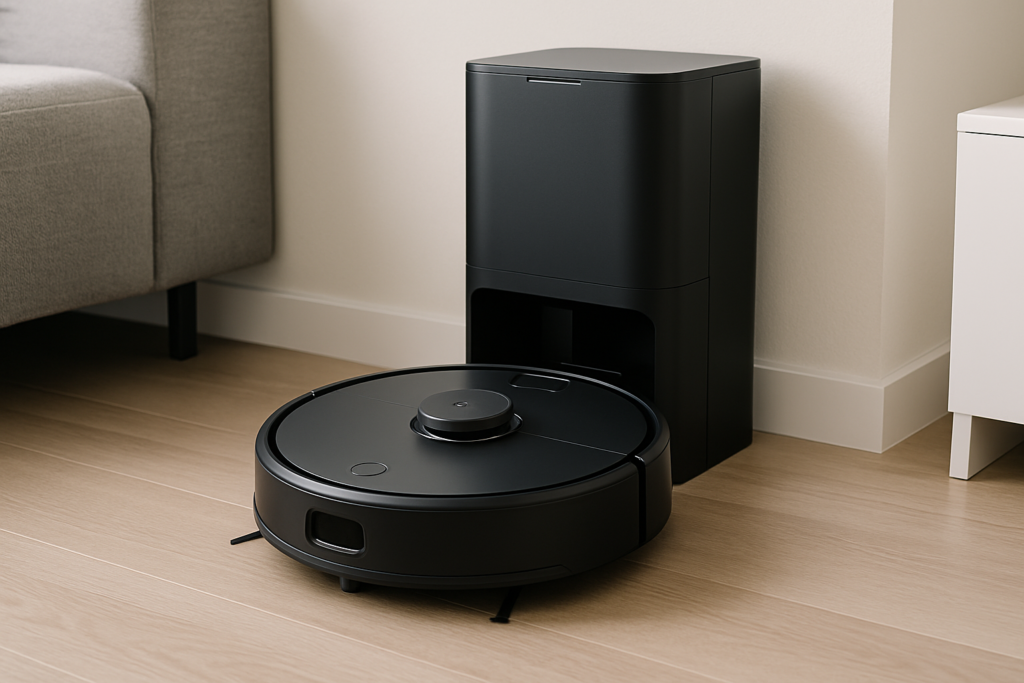
Shark IQ Robot Vacuum
Excellent room mapping and scheduling flexibility at a more accessible price point than premium models
Pet owners need specialized timing. Schedule vacuum runs for times when pets are typically calm or napping. Many dogs and cats adapt to vacuum schedules within a week, treating the robot as part of the household routine rather than an intruder.
Smart Air Purification and Surface Cleaning
Air purifiers do more than improve air quality. They actively reduce the amount of dust that settles on your furniture, baseboards, and decorative items. This means less frequent dusting and longer intervals between deep cleaning sessions.
Position air purifiers strategically for maximum cleaning benefit. Place units near high-dust areas like entryways, pet beds, or rooms with ceiling fans. The Levoit Core 400S offers app-based scheduling and can run quietly during sleep hours while maintaining air circulation.
Smart air purifiers with particle sensors automatically increase filtration when dust levels spike from activities like cooking, exercising, or opening windows. This proactive approach prevents dust accumulation rather than just cleaning it up later.
Some advanced models integrate with weather apps to increase filtration on high-pollen days or when air quality alerts are issued for your area. This external data integration keeps your indoor environment consistently clean regardless of outdoor conditions.
Creating Room-by-Room Automation
Each room in your home has unique cleaning challenges that benefit from tailored automation approaches. Your kitchen needs frequent floor cleaning due to spills and crumbs, while bathrooms require humidity management and surface sanitation.
Kitchen automation focuses on immediate response to messes. Set your robot vacuum to run every evening after dinner cleanup, when counters are clear and the dishwasher is loaded. Smart air purifiers help manage cooking odors and grease particles that would otherwise settle on cabinets and appliances.
Bedroom cleaning schedules should prioritize air quality during sleep hours. Program air purifiers to run on higher settings during the day when rooms are empty, then switch to whisper-quiet modes overnight. Vacuum bedrooms every other day unless you have pets that sleep in these spaces.
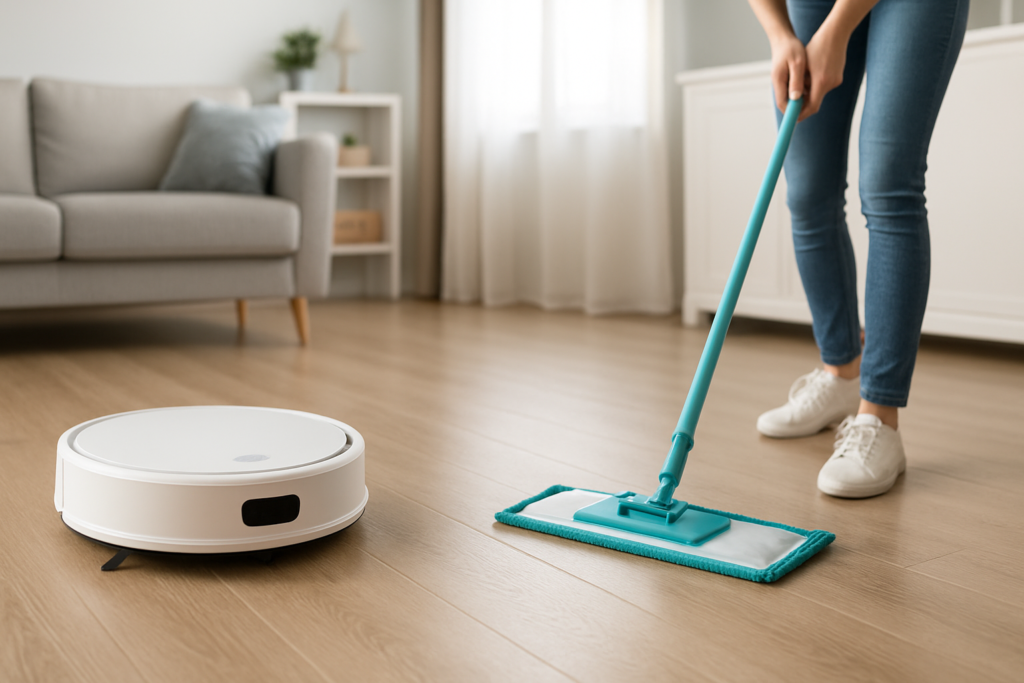
BISSELL CrossWave Pet Pro All-in-One Wet Dry Vacuum
Combines vacuuming and mopping in one device, perfect for kitchens and pet areas
Living areas with multiple furniture pieces need strategic vacuum routing. Use your robot vacuum’s mapping features to create virtual boundaries around delicate furniture legs or areas with loose cables. Schedule cleaning during times when throw pillows and lightweight items can be temporarily moved.
Bathrooms benefit from humidity-aware cleaning schedules. Run exhaust fans on timers to reduce moisture that leads to mildew and soap scum buildup. While robot vacuums handle bathroom floors effectively, focus automation on air circulation and moisture management.
Integration and Smart Home Platforms
The most effective automated cleaning schedules integrate multiple devices through platforms like Google Home, Amazon Alexa, or Apple HomeKit. This integration allows coordinated actions that maximize cleaning effectiveness.
Create cleaning routines that activate multiple devices simultaneously. A “Deep Clean” routine might start your robot vacuum, increase air purifier settings, and send you reminders to clear surfaces in upcoming rooms. Voice commands make it easy to trigger these routines when unexpected guests are coming.
Smart home sensors enhance cleaning automation beyond basic timers. Motion sensors can delay vacuum runs if someone is still in a room, while door sensors can trigger increased air filtration when you return home with outdoor pollutants on shoes and clothing.
Integrate weather data to adjust cleaning schedules seasonally. Spring pollen seasons might trigger more frequent air filtration and vacuum runs, while winter months with closed windows might allow reduced schedules in certain rooms.
Frequently Asked Questions
How often should I empty robot vacuum bins and replace filters?
Empty robot vacuum bins every 2-3 runs for optimal performance, or invest in self-emptying models that handle this automatically for weeks. Replace HEPA filters in air purifiers every 6-12 months depending on usage and air quality conditions. Most smart devices will send app notifications when maintenance is needed.
Can smart cleaning devices work effectively in homes with pets?
Modern robot vacuums excel in pet-friendly homes, with specialized brushes for pet hair and sensors to avoid waste accidents. Schedule more frequent runs during shedding seasons and choose models with stronger suction specifically designed for pet hair. Air purifiers help manage pet dander and odors between vacuum cycles.
What happens when smart cleaning devices encounter obstacles or errors?
Quality smart cleaning devices send immediate notifications to your phone when they encounter problems like tangled brushes, full bins, or navigation issues. Most can resume cleaning automatically after minor issues are resolved. Advanced models learn your home’s layout over time, reducing error frequency significantly.
This article contains affiliate links. We may earn a small commission at no extra cost to you.