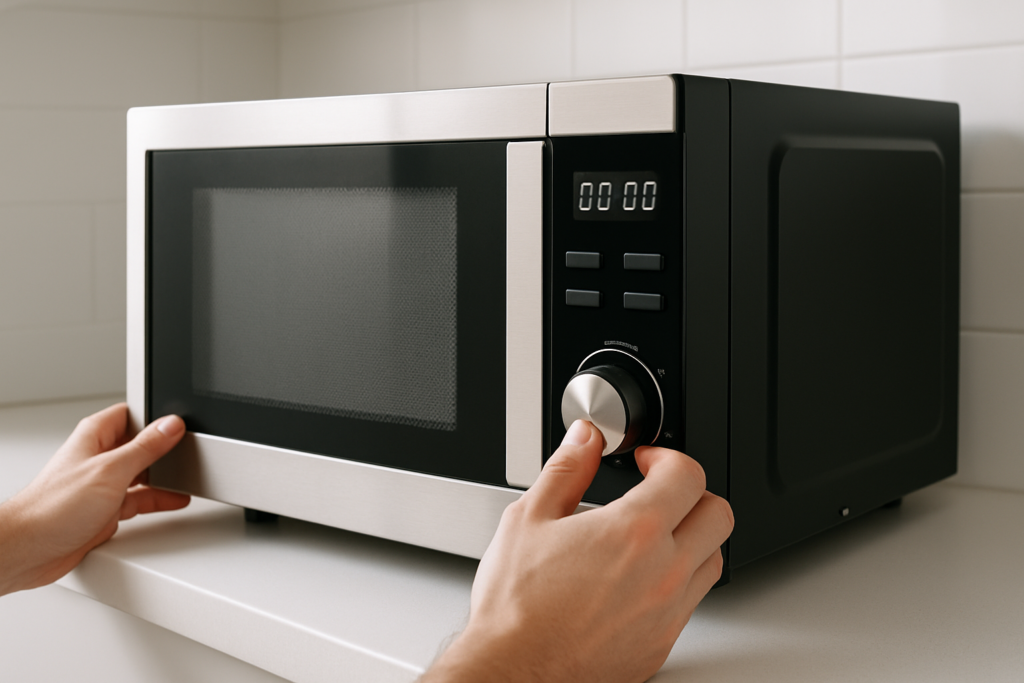
You walk into your kitchen and hear a familiar hum. Your microwave is running again, even though you haven’t touched it in hours. This isn’t normal microwave behavior, and it’s more than just annoying. A constantly running microwave can waste energy, create noise pollution in your home, and indicate a serious mechanical problem that could lead to a complete breakdown or even a fire hazard.
Most microwaves should only run when you actively use them. When they keep operating without input from you, something has gone wrong with the control systems, sensors, or cooling mechanisms. Let’s break down exactly why this happens and what you can do to fix it.
Understanding Normal Microwave Operation
Before diagnosing what’s wrong, you need to understand how your microwave is supposed to work. Modern microwaves have multiple systems that control when they run and when they stop.
The magnetron generates the microwaves that heat your food, but it only operates during active cooking cycles. The control board receives input from the touchpad or dial and tells the magnetron when to start and stop. Between these two components, several safety switches and sensors prevent the microwave from running when the door is open or when cooking cycles end.
Your microwave also has a cooling fan that might run for a few minutes after cooking to cool down internal components. This is completely normal. However, if the fan runs for hours or the magnetron continues operating, you’ve got a problem.
The Stuck Door Switch Problem
Door switches are the most common culprit when microwaves won’t stop running. Your microwave has three or four door switches that work together as a safety system. When you close the door, these switches engage in a specific sequence to tell the control board that it’s safe to operate.
When one of these switches gets stuck in the closed position, the microwave thinks the door is always shut and the unit is always in operation mode. This can happen from normal wear and tear, food debris buildup, or a mechanical failure inside the switch itself.
You can often identify a stuck door switch by opening and closing the door several times while listening for distinct clicking sounds. Each switch should make an audible click. Missing clicks indicate a problem switch. Replacing door switches requires disassembling the microwave cabinet, so you’ll need basic tools and some technical confidence.
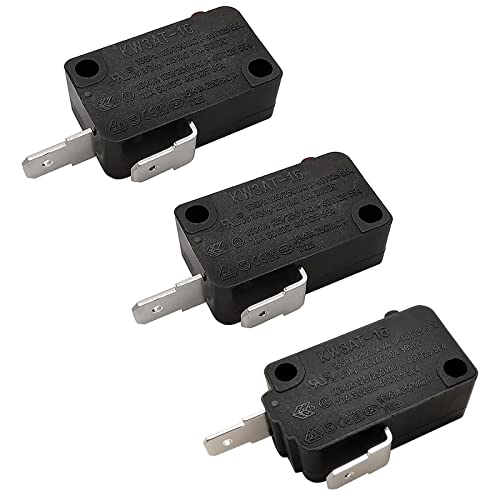
Microwave Door Switch Kit
Universal door switch kits work with most major microwave brands and are easier to install than you’d think
Control Board Malfunctions
The control board is essentially your microwave’s brain. When it malfunctions, you can get all sorts of weird behavior, including constant operation. This happens when relay switches on the board get stuck or when the microprocessor itself fails.
Control board failures often show additional symptoms beyond just constant running. You might see error codes on the display, buttons that don’t respond correctly, or the microwave starting on its own at random times. Sometimes the display goes completely blank while the unit still runs.
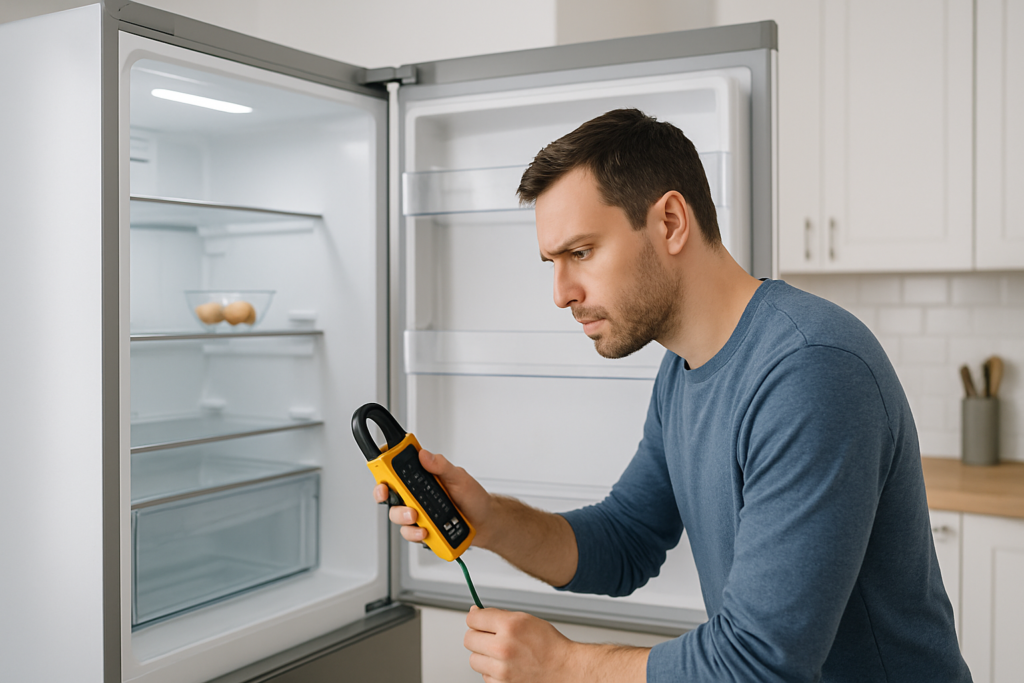
Testing a control board requires a multimeter and some electrical knowledge. You’ll need to check for continuity across relay switches and verify that the board is receiving proper voltage. However, most home users find it easier to simply replace the entire control board rather than attempting repairs.
When ordering a replacement control board, you absolutely must match your microwave’s exact model number. Control boards are not interchangeable between models, even from the same manufacturer. You’ll find the model number on a sticker inside the door frame or on the back of the unit.
Thermostat and Temperature Sensor Issues
Many modern microwaves include temperature sensors or thermostats that monitor internal heat levels. These components serve two purposes: they help with automatic cooking programs and they prevent overheating damage to internal components.
When a thermostat fails, it can send incorrect temperature readings to the control board. If the sensor reports that the microwave is too cold, the control board might keep the unit running to reach the target temperature. This creates a feedback loop where the microwave never shuts off because it thinks it hasn’t reached the proper operating temperature yet.
You’ll often see thermostat problems in microwaves that also have convection or combination cooking features. These models rely more heavily on temperature monitoring than basic microwave-only units. The sensors can fail from age, moisture exposure, or electrical surges.
Testing a thermostat requires measuring its resistance with a multimeter at room temperature and comparing the reading to manufacturer specifications. Most thermostats should show a specific resistance value at 68-70 degrees Fahrenheit. Values outside this range indicate a failed sensor that needs replacement.
Cooling Fan and Ventilation Problems
The cooling fan scenario is different from other causes because it’s often not actually a malfunction. Many microwaves run their cooling fans for extended periods after cooking, especially after running high-power cycles or when the microwave sits above a cooktop.
Over-the-range microwaves have particularly aggressive cooling fan behavior. They monitor the temperature of the cooktop below and will run the fan whenever that area gets hot, even if you’re not using the microwave itself. This feature catches many people off guard because the fan can run for 20-30 minutes after you finish cooking on the stove.
However, if your cooling fan truly never stops, you’ve got a real problem. This typically means the temperature sensor for the fan is stuck in the “hot” position or the fan relay on the control board has failed in the closed position. A constantly running fan will wear out the motor prematurely and waste electricity.
Blocked ventilation can also trigger extended fan operation. Check that the vents on top of and behind your microwave aren’t clogged with dust, grease, or debris. Clean these areas with a degreasing cleaner and a soft brush. Poor airflow forces the fan to work overtime trying to cool components.

Microwave Cooling Fan Motor
Replacing a worn-out fan motor can solve persistent running issues and reduce noise levels
Touchpad and Membrane Switch Failures
The touchpad or control panel can develop short circuits that send continuous signals to the control board. This happens when moisture seeps behind the membrane switches or when the ribbon cable connecting the touchpad to the control board deteriorates.
A shorted touchpad essentially acts like you’re constantly pressing a button. Most commonly, it simulates someone holding down the “Start” button, which keeps the microwave running indefinitely. You might also notice that certain buttons don’t work at all while others are overly sensitive.
You can sometimes identify touchpad problems by gently flexing the control panel while the microwave is acting up. If the problem changes or disappears temporarily when you press on certain areas, you’ve found your issue. Moisture damage often shows visible corrosion or discoloration on the back of the touchpad membrane.
Replacing a touchpad is relatively simple compared to other microwave repairs. The membrane usually connects to the control board with a simple ribbon cable that you can disconnect and reconnect. Make sure you get the exact replacement part for your model, as touchpads are model-specific.
When to Repair vs. Replace Your Microwave
Not every constantly-running microwave deserves repair. You need to weigh the cost and effort of fixing it against simply buying a new unit.
For microwaves under three years old, repairs usually make sense, especially if the problem is something simple like a door switch or touchpad. These parts are relatively inexpensive when you buy them online and install them yourself. Basic countertop microwaves older than five years are typically not worth repairing unless you can fix them for very little money.
Over-the-range and built-in microwaves justify more expensive repairs because replacing the entire unit involves additional installation costs. A competitively priced control board replacement might seem expensive, but it’s much cheaper than buying and installing a new over-the-range microwave.
Consider the total picture. If your microwave needs a control board, has a dented interior, makes grinding noises, and barely heats food anymore, just replace it. But if it works perfectly except for this one issue, repair makes more sense.
Always unplug your microwave before attempting any repairs. The capacitor inside can hold a deadly electrical charge even when the unit is unplugged, so if you’re not comfortable working around high voltage, hire a professional or replace the unit entirely.
Preventing Future Problems
Once you’ve fixed your constantly-running microwave, take steps to prevent the problem from recurring. Regular maintenance extends microwave life and prevents many common failures.
Clean your microwave weekly, including the door seal, interior, and exterior vents. Food debris and grease buildup can interfere with door switches and ventilation systems. Use a damp cloth with mild detergent, and never spray cleaning solution directly onto control panels.
Avoid slamming the microwave door. Those door switches are mechanical components that wear out faster with rough treatment. Close the door firmly but gently, and teach everyone in your household to do the same.
Use surge protectors to shield your microwave from electrical spikes. Power surges from lightning or grid fluctuations can damage control boards and touchpads. A good surge protector costs far less than a replacement control board.
Check your microwave’s vents monthly and clean them as needed. Blocked ventilation causes overheating, which stresses all internal components and leads to premature failure. Pay special attention to the top vents on over-the-range models, which accumulate grease quickly.
Frequently Asked Questions
Is it dangerous if my microwave keeps running?
Yes, a microwave that won’t stop running poses several dangers. The magnetron can overheat and fail catastrophically, potentially causing a fire. The continuous operation also wastes significant electricity and can overheat surrounding cabinets or walls. Unplug the microwave immediately and don’t use it until you’ve diagnosed and fixed the problem.
Why does my microwave fan run for so long after I cook?
Most microwaves run the cooling fan for 5-10 minutes after cooking to protect internal components. Over-the-range models can run much longer because they also cool the cooktop below. This is normal behavior. However, if the fan runs for hours or never stops, you likely have a failed temperature sensor or stuck relay that needs replacement.
Can I just unplug my microwave when it won’t stop running?
Unplugging is the right immediate response to stop the problem, but it’s not a permanent solution. The underlying issue will still exist when you plug it back in. Use the unplugged time to diagnose the problem and order replacement parts, or decide whether to replace the entire unit.
How much does it cost to fix a microwave that won’t stop running?
Repair costs vary widely depending on the problem. Door switches and touchpads are generally the most affordable fixes when you DIY. Control boards are more expensive but still reasonable for higher-end units. Professional repair labor typically adds significantly to parts costs, which is why many people choose DIY repairs or replacement for basic microwave models.
This article contains affiliate links. We may earn a small commission at no extra cost to you.