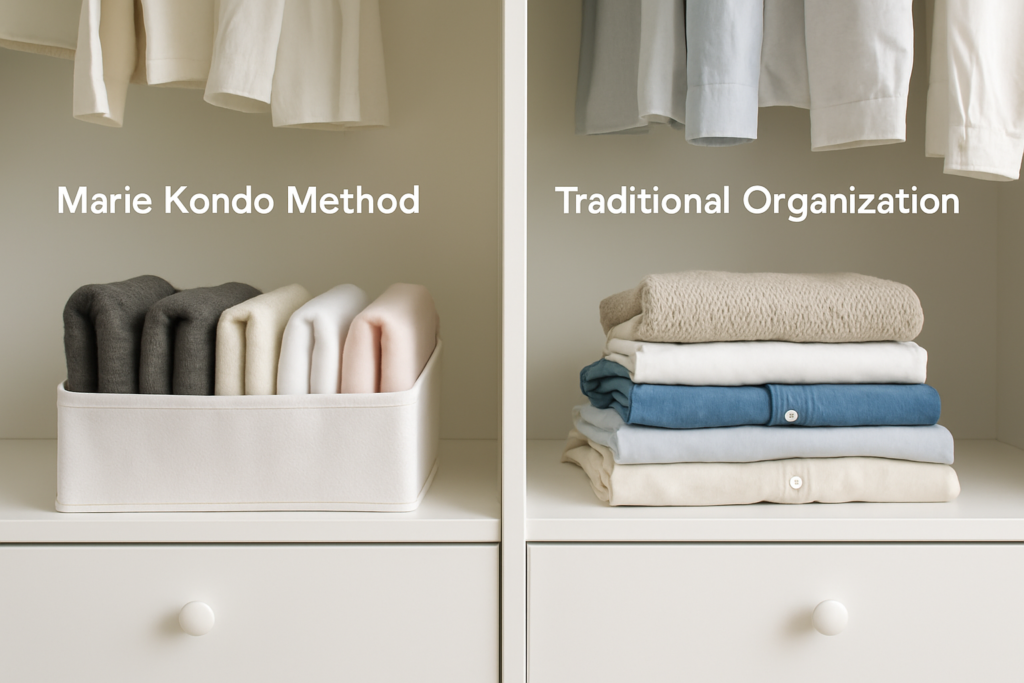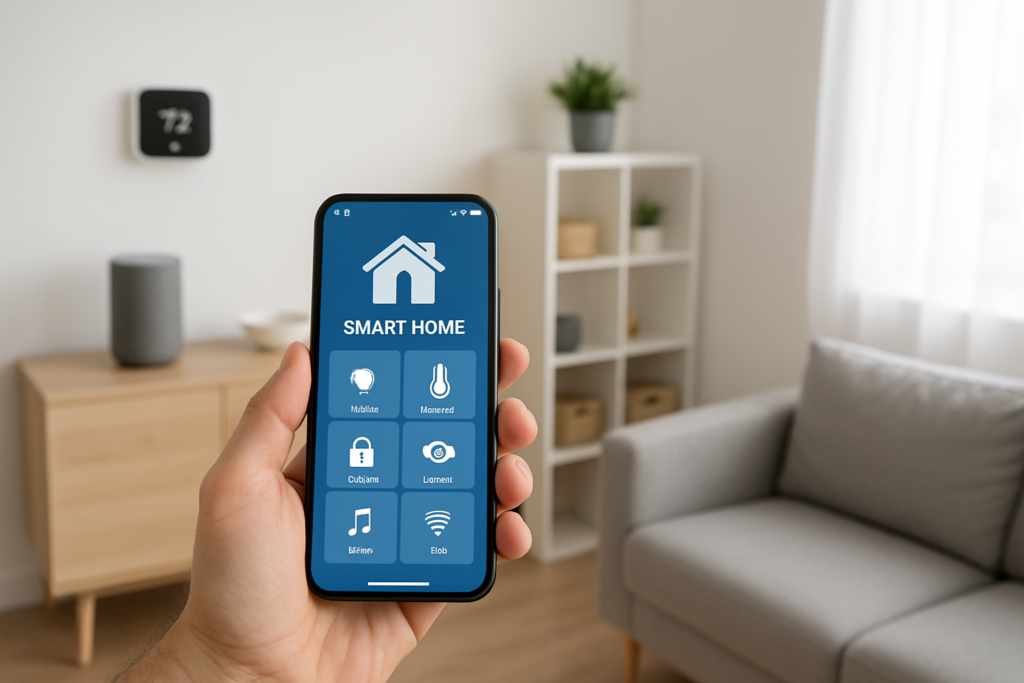
Your smart home can talk to you, adjust the temperature, and even order groceries. But can it help you find your winter coats or remember where you stored the holiday decorations? The real magic happens when you combine smart technology with clever organization strategies.
Traditional organization methods work fine until life gets busy. You forget which box contains what, lose track of warranty information, or spend twenty minutes hunting for something you know you own. Digital tools and smart solutions can bridge these gaps, creating systems that actually stick.
The key is choosing tools that integrate well together and match how your household actually functions. Let’s explore the apps, devices, and strategies that transform chaotic spaces into organized, efficient homes.
Digital Inventory Apps That Keep Track of Everything
Inventory apps work best when they’re simple enough to use consistently. Sortly leads the pack with its visual approach. You take photos of items and organize them into virtual folders that mirror your physical spaces. The free version handles up to 100 items, which covers most people’s high-value or hard-to-find belongings.
The app’s barcode scanning feature speeds up entry for electronics, books, and packaged items. You can add purchase dates, warranty information, and custom notes. When you need to file an insurance claim or find a specific item, everything is searchable and backed up to the cloud.
MyStuff2 takes a more detailed approach, letting you track serial numbers, purchase locations, and even lending history. This works particularly well for households with expensive equipment, collections, or items that frequently get borrowed.
For families with kids, Encircle offers room-by-room organization with the ability to assign items to specific family members. The app was originally designed for insurance documentation, so it handles detailed records exceptionally well.
Setting Up Your Digital Inventory System
Start with one room or category rather than trying to catalog everything at once. Focus on items you frequently misplace, expensive purchases, or things with warranty coverage. Take clear photos showing any identifying marks or serial numbers.
Create consistent naming conventions from the beginning. Instead of random descriptions, use formats like “Kitchen – Small Appliances – Coffee Maker – Ninja CM401” for easy searching later.
Smart Storage Solutions with Built-In Organization
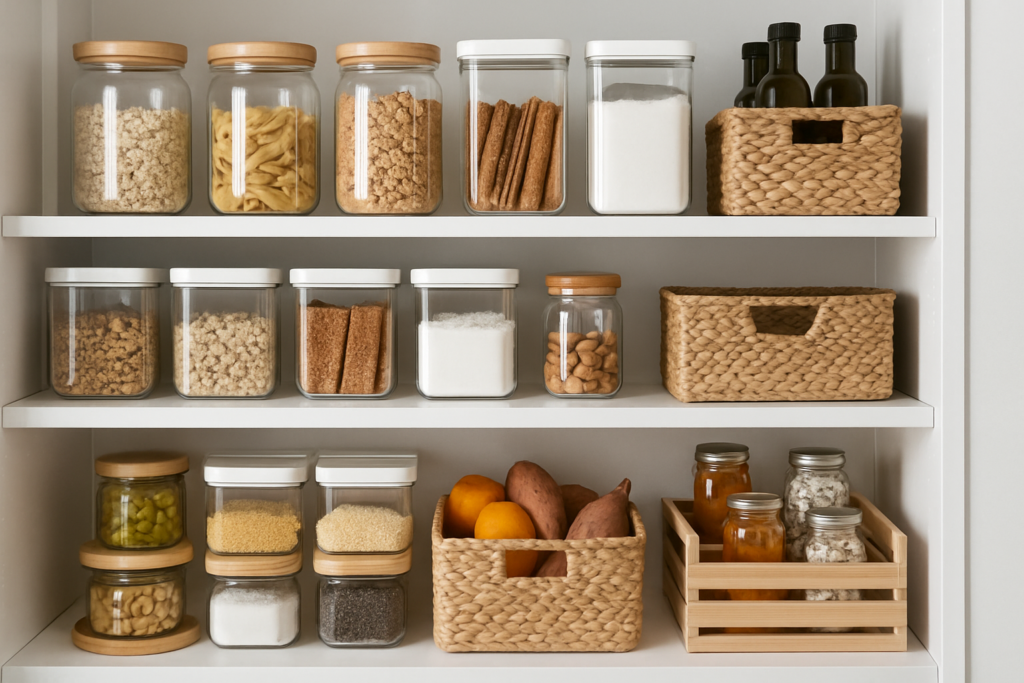
Physical storage gets smarter when it connects to your digital systems. Smart labels eliminate the guessing game that makes traditional storage systems fail over time.
Brother P-touch CUBE Plus label makers connect to smartphone apps that store all your label designs. You can reprint labels, create matching sets, and even include QR codes that link to detailed inventory lists.
Brother P-touch CUBE Plus Label Maker
Creates professional labels that sync with smartphone apps for easy reprinting and organization
QR code systems take this further. Generate codes using free apps like QR Code Generator, then link them to digital notes, photos, or inventory lists. Stick the codes on boxes, shelves, or storage areas. Anyone in your household can scan them to see contents or add items.
Smart bins and containers with weight sensors are emerging but still expensive for most households. Bluetooth-enabled storage boxes offer a middle ground, sending notifications when opened and integrating with inventory apps.
Creating Smart Storage Zones
Designate specific areas for frequently moved items. Set up a “staging zone” near your main entrance for things coming and going. Use smart plugs to add LED strip lighting that activates when you approach.
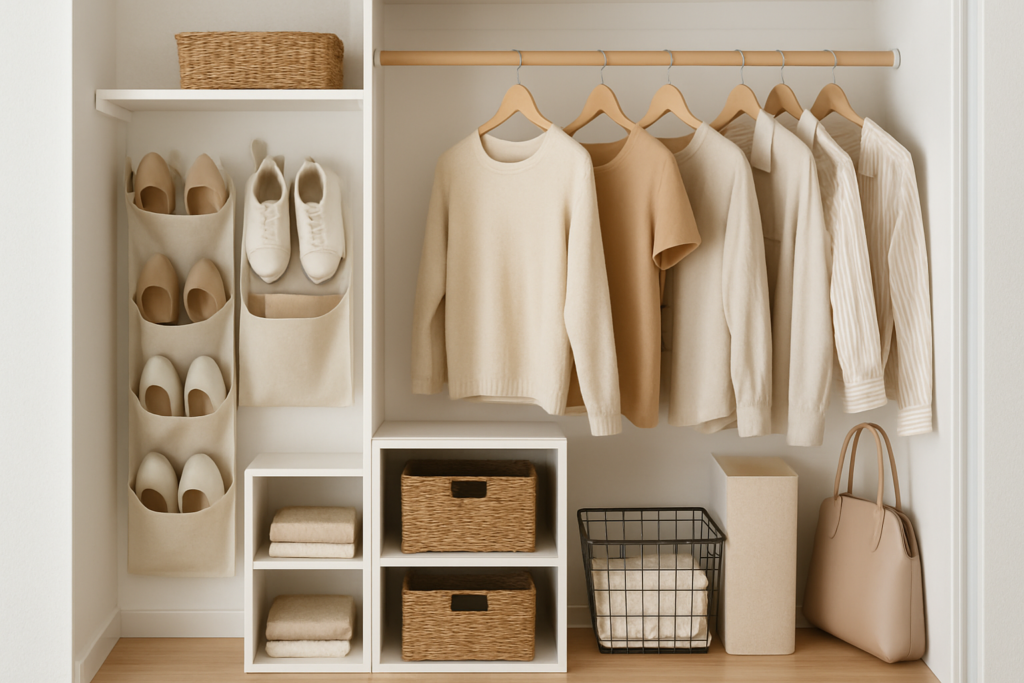
Install smart switches in closets and storage areas. Motion-activated lighting makes it easier to see contents and reduces the temptation to stuff things randomly in dark corners.
Organization Apps for Daily Management
Tody revolutionizes cleaning schedules by learning from your habits. Instead of rigid weekly tasks, it adjusts timing based on how often spaces actually get dirty. The visual interface shows which areas need attention using color coding.
You input how long each task typically takes and rate cleanliness levels after completion. Over time, the app builds a personalized schedule that matches your standards and available time.
Smart Home Motion Sensors
Trigger automated lighting in storage areas and closets for hands-free organization
Sweepy works well for households where tasks rotate between family members. Create profiles for each person, assign point values to different chores, and track completion over time. The gamification element helps motivate kids and creates friendly competition.
For paper management, Genius Scan turns your smartphone into a document scanner with automatic edge detection and cloud storage integration. Scan warranties, manuals, receipts, and important documents directly into organized folders.
Maintenance Tracking Systems
HomeZada focuses specifically on home maintenance and inventory. Track when you last changed HVAC filters, serviced appliances, or completed seasonal maintenance tasks. The app sends reminders and helps you budget for upcoming expenses.
Link maintenance records to your digital inventory for complete item histories. When selling appliances or making warranty claims, you have complete documentation in one place.
Automated Reminder Systems
Smart home assistants excel at location and time-based reminders that traditional calendar apps miss. Set reminders that trigger when you arrive home, leave work, or enter specific rooms.
Use IFTTT (If This Then That) to create automation chains. When you mark a cleaning task complete in Tody, automatically add supplies to your shopping list if inventory is low. When inventory apps detect items haven’t been used in months, create reminders to donate or relocate them.
Google Assistant and Alexa both support family reminders and shared shopping lists. Create voice shortcuts for common tasks like “add to donation pile” or “low on bathroom supplies.”
Smart Home Integration for Organization
Connect organization systems to your existing smart home setup. Use smart bulbs to color-code different areas during organization sessions. Red light means items to donate, blue for relocating, green for keeping.
Smart door sensors on storage areas can track access patterns, helping you identify which spaces need better organization or get ignored entirely.
Privacy and Security Considerations
Organization apps often store detailed information about your belongings, daily routines, and home layout. This data needs protection, especially inventory apps with photos and serial numbers.
Choose apps that offer local storage options or encrypt data before cloud backup. Avoid uploading photos that show valuable items in recognizable room settings. Focus on close-up shots that help with identification without revealing your home’s layout.
Review sharing permissions carefully. Many apps default to broad access for features like automatic backup and cross-device syncing. Limit permissions to only what you actually use.
Data Backup Strategies
Don’t rely solely on app-based storage for critical information. Export inventory lists and photos to your own cloud storage monthly. Most apps support CSV exports that work with spreadsheet programs.
For insurance purposes, store copies of important inventory data with documents your insurance company can access quickly. Some insurers offer their own inventory apps with direct claim integration.
Integration Strategies That Actually Work
The most successful digital organization systems connect multiple tools without creating complexity. Start with one primary app for inventory management, then add complementary tools gradually.
Use shared cloud storage as your integration hub. Save inventory exports, scanned documents, and photos to folders that multiple apps can access. This prevents vendor lock-in and creates backups automatically.
Zapier connects apps that don’t normally work together. Create workflows that add items to inventory apps when you make purchases, or generate shopping lists from maintenance schedules.
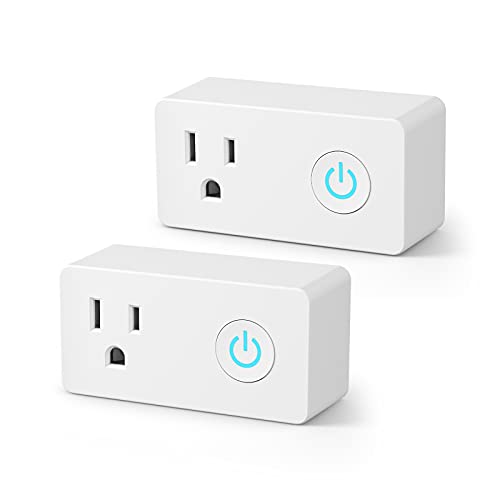
Smart Plugs with Energy Monitoring
Add smart functionality to existing storage areas with automated lighting and access tracking
Building Sustainable Systems
Technology should reduce mental load, not add to it. If you find yourself avoiding an organization app because it’s too complex, simplify or switch tools. The best system is the one your household actually uses consistently.
Plan for app discontinuation by choosing tools that export data easily. Many promising organization apps disappear after a few years, taking user data with them.
Real-World Implementation Tips
Start your digital organization system during a natural transition period. Moving homes, seasonal decluttering, or major life changes provide motivation and clear starting points.
Assign one family member as the “system administrator” who handles setup and troubleshooting. Everyone can contribute data, but having one person manage the technical aspects prevents conflicting approaches.
Create backup plans for when technology fails. Keep critical information accessible without apps, especially emergency supplies, important documents, and frequently needed items.
Measuring Success
Track metrics that matter to your daily life. How often do you search for misplaced items? How long does seasonal storage switching take? Are you avoiding certain storage areas because they’re disorganized?
Good organization systems become invisible over time. You stop thinking about where things are because the systems handle that mental load automatically.
Frequently Asked Questions
Which organization app works best for families with kids?
Sweepy and Tody both offer family features, but Sweepy’s point system and task rotation work better for motivating children. The visual progress tracking helps kids understand how their contributions matter to household organization.
Are smart storage solutions worth the extra cost compared to traditional methods?
Smart storage pays off for items you access frequently or have trouble locating. For long-term storage that rarely gets disturbed, traditional labeling works fine. Focus smart solutions on active storage areas and high-value items first.
How do I protect sensitive information in inventory apps?
Avoid including serial numbers, purchase prices, or identifying details in photos. Use generic descriptions for valuable items and store detailed information separately. Consider apps that offer local storage or strong encryption for sensitive inventory data.
Can these systems work without a smart home setup?
Absolutely. Most organization apps work independently of smart home devices. You can use inventory tracking, digital labels, and reminder systems with just a smartphone. Smart home integration adds convenience but isn’t required for effective organization.
This article contains affiliate links. We may earn a small commission at no extra cost to you.