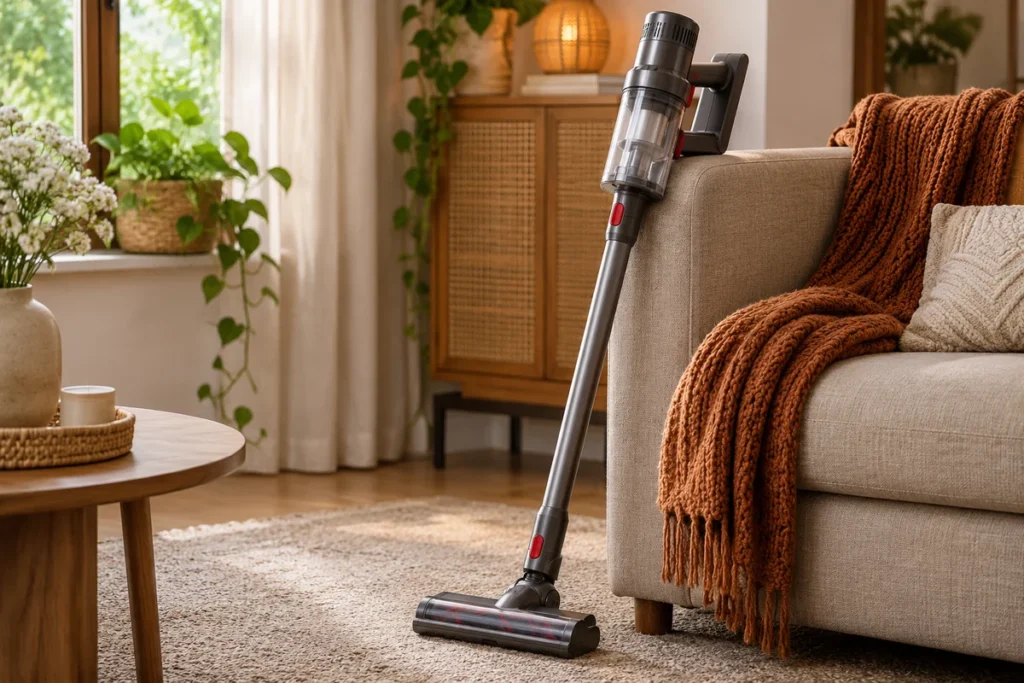
If a Dyson V15 Detect runs in short bursts while you hold the trigger, check its airflow path before replacing the battery. Dyson uses pulsing to warn about a blockage. The LCD can point you toward a blockage or filter maintenance, so read the display before taking the vacuum apart. Dyson V15 Detect support
Find out which part is causing the pulse
- Switch the vacuum off. Empty the bin if debris has reached the MAX line, then shut it securely.
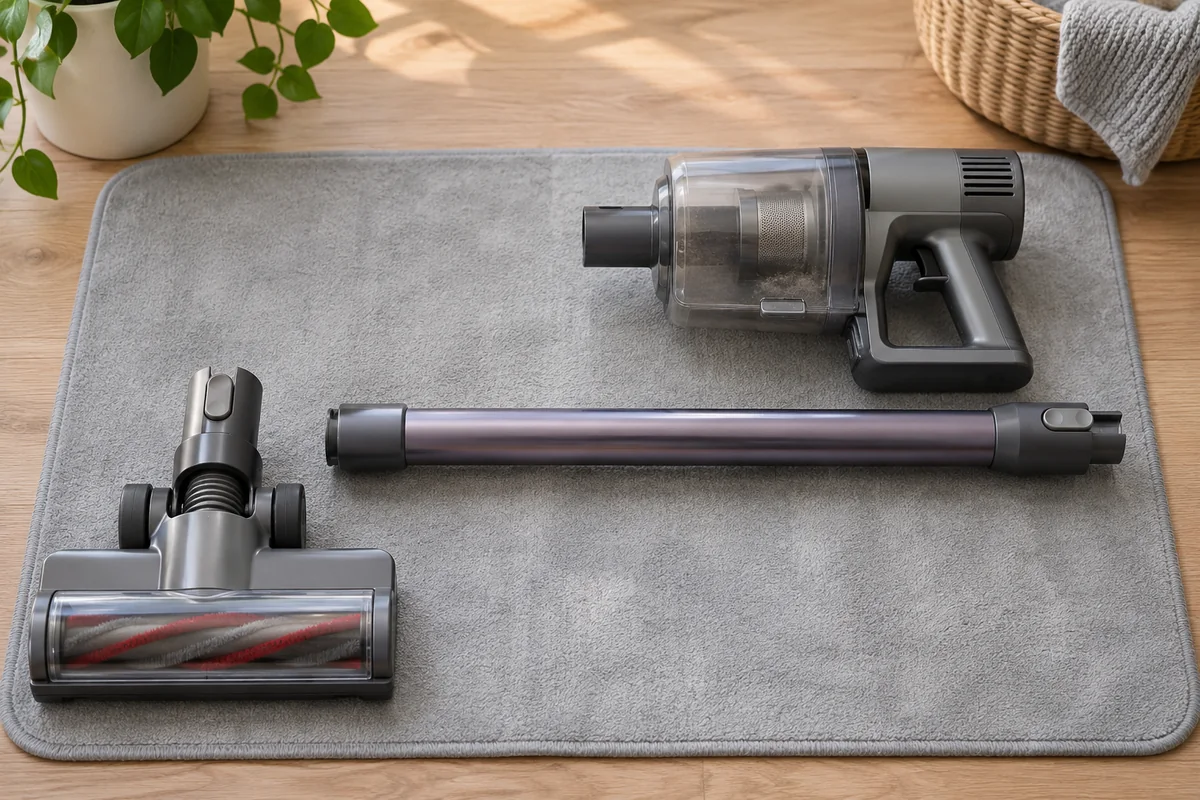
- Detach the cleaner head and wand. Inspect each end of the wand in good light. Check the floorhead’s inlet and the opening where the bin meets the wand. Remove visible debris with the unit stopped and follow the instructions for the head that came with your V15.
- With the filter and bin fitted, briefly test the main unit with the wand removed. Keep your fingers clear of the opening.
- If it runs smoothly, try it with the wand and then with the head attached. When the pulsing returns, recheck the part you just added.
A head that stops spinning while suction continues deserves its own check. Hair caught around a roller and a blocked air passage can occur together, so inspect the openings as well as the roller. Dyson V15 user manual
AI-generated editorial illustration.
Check the filter if the bare unit still pulses
If the display calls for filter care, remove and wash the filter as Dyson directs. Let it dry completely before refitting it. Dyson specifies at least 24 hours for drying in its V15 instructions. If the main unit still pulses with a clear air path and a clean, dry filter, report the display message and the results of the tests to Dyson.